Actions
The second block on the Bots tab is the Actions section.
Here you will find service tools for managing bot launches and logs.
Stop
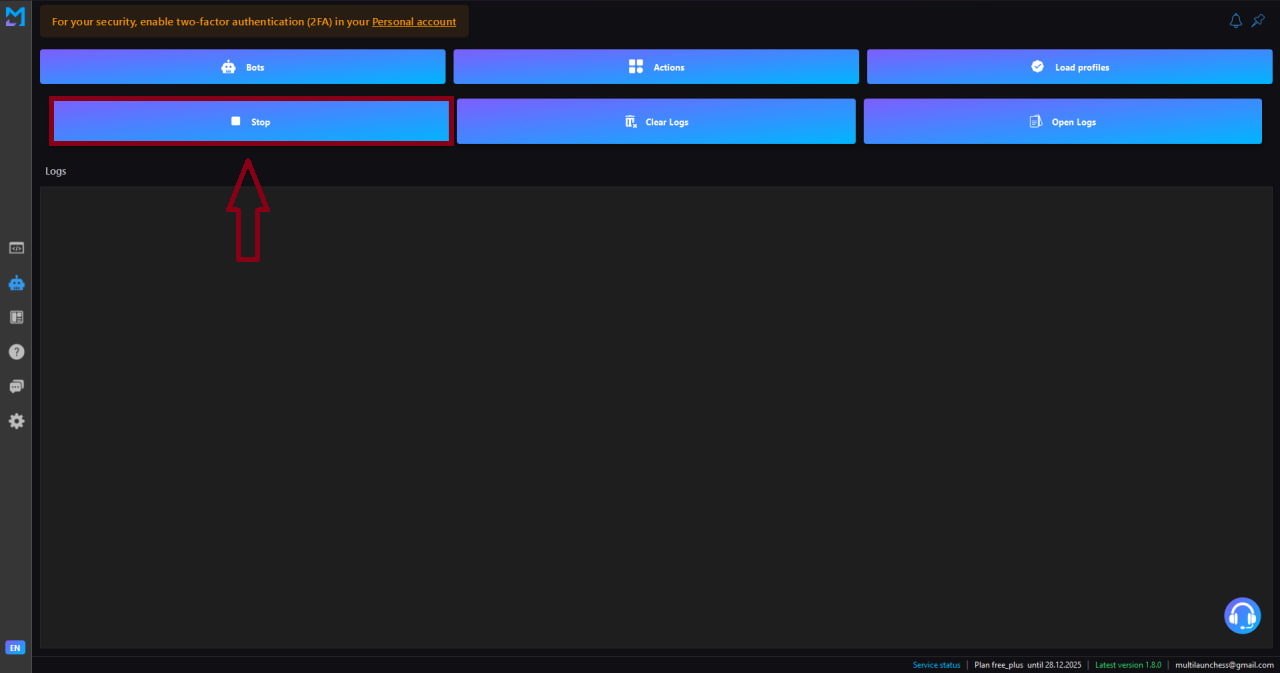
The Stop command completely stops all running bots.
Use it when:
- you need to immediately interrupt execution;
- you want to change settings and restart the bot;
- incorrect behavior is detected and requires stopping.
Clear logs
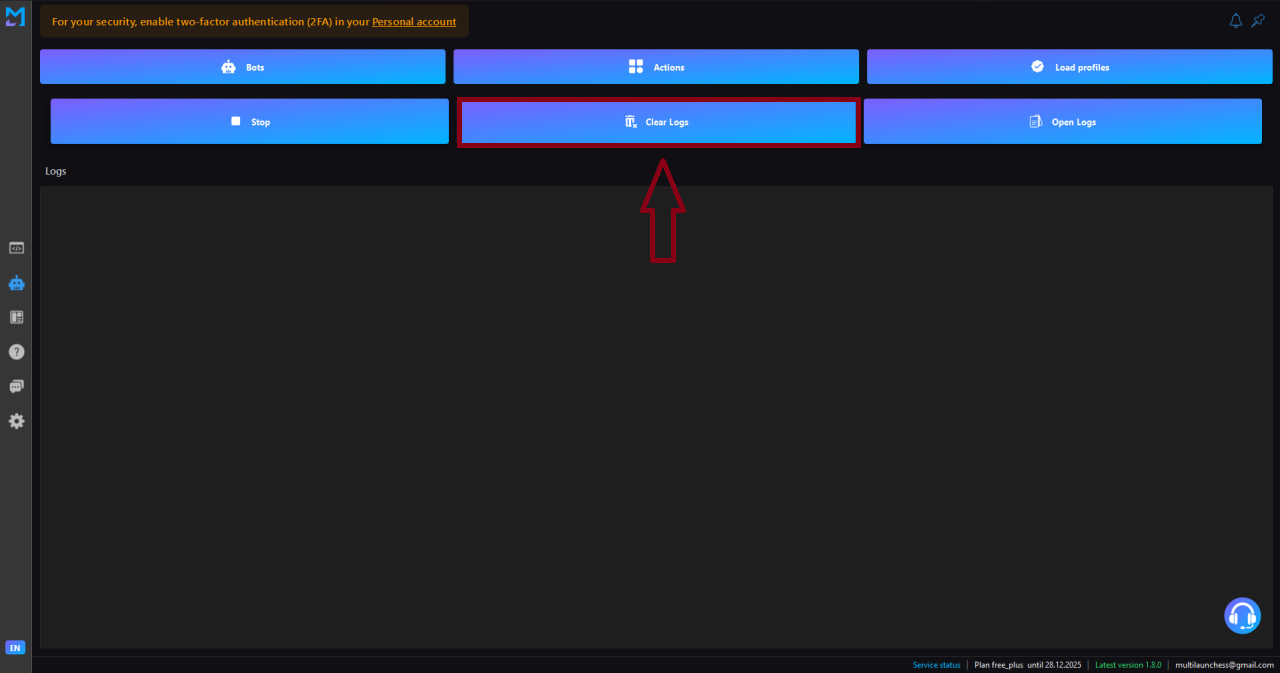
The Clear logs command clears the log window on the current Bots tab.
Useful when:
- starting a new run;
- you want to see only fresh events;
- analyzing a specific execution without old logs.
Open logs
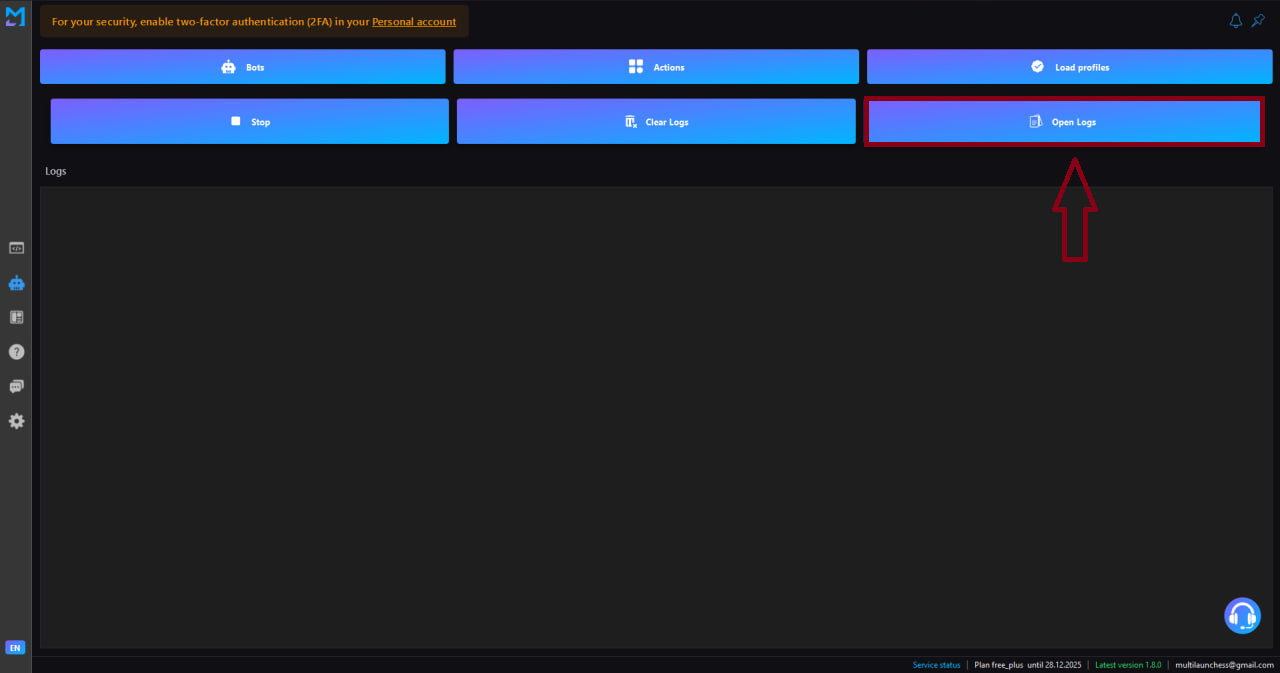
The Open logs command opens extended analytics of bot activity:
- launch timestamps;
- execution statuses;
- errors;
- list of performed actions.
This is the main tool for monitoring and analyzing the operation of Discord and Twitter bots.