Bots
We now move to the next section of the launcher — the Bots tab.
The structure of this tab is similar to the Testnets section: at the top, you will find three blocks:
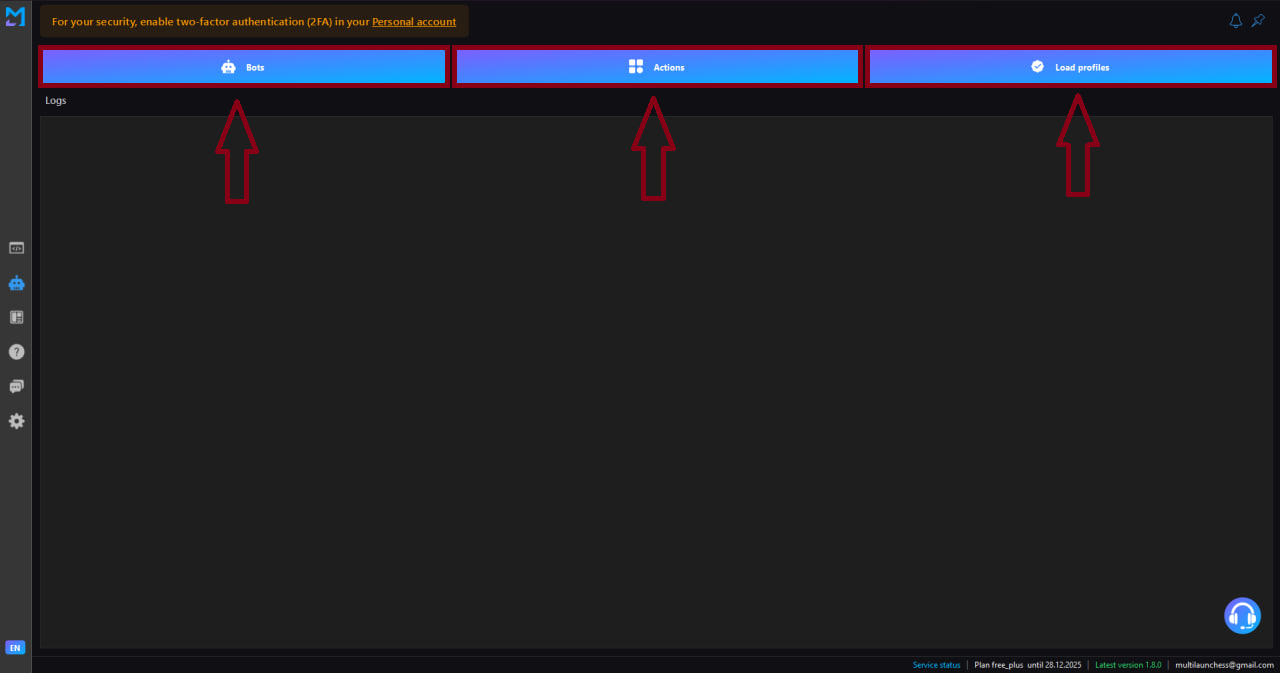
- Bots
- Actions
- Load profiles
Bots list
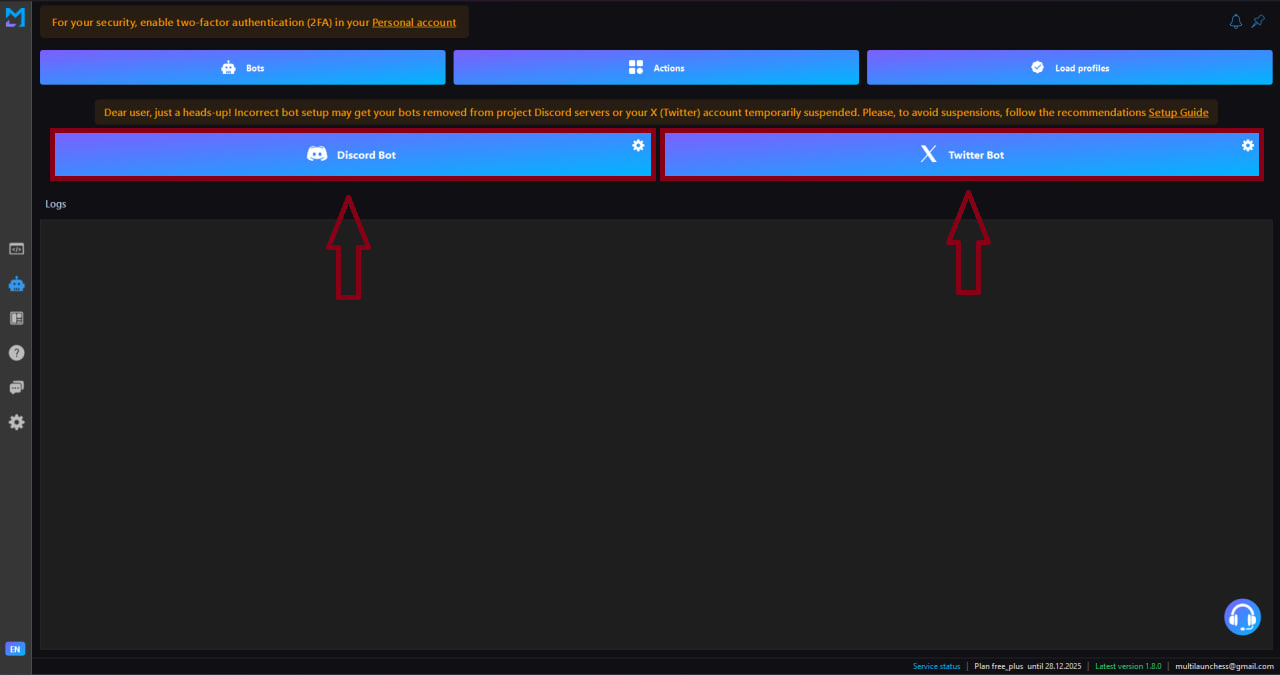
When you select the Bots block, a list of available automations becomes visible.
Currently, two categories are available:
- Discord Bot
- Twitter Bot
Discord Bot
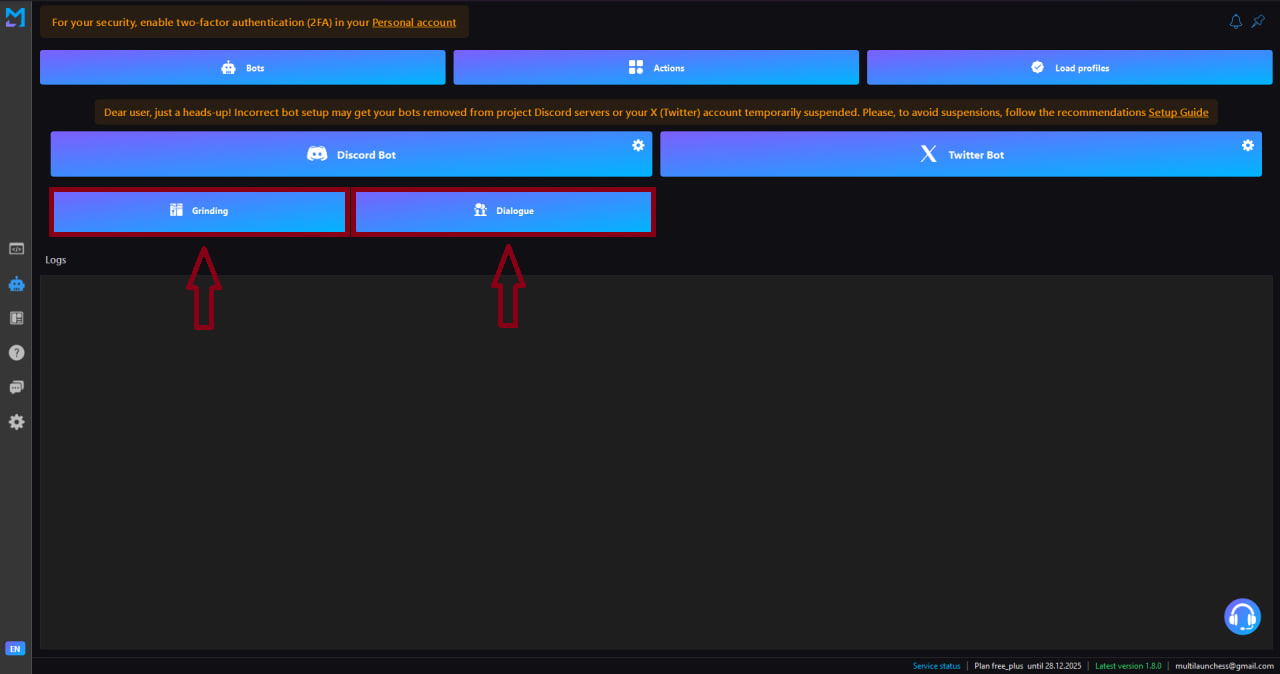
When choosing Discord Bot, an additional menu opens with two operation modes:
- Grinding — mode for mass automated activity
- Dialogue — mode for message replies and conversational interaction
This tool is suitable for:
- farming roles and levels on Discord servers;
- participating in ambassador programs;
- posting content;
- maintaining regular engagement.
You select a mode — and the bot performs actions strictly according to the chosen logic.
Twitter Bot
A tool for automating activity on Twitter / X.
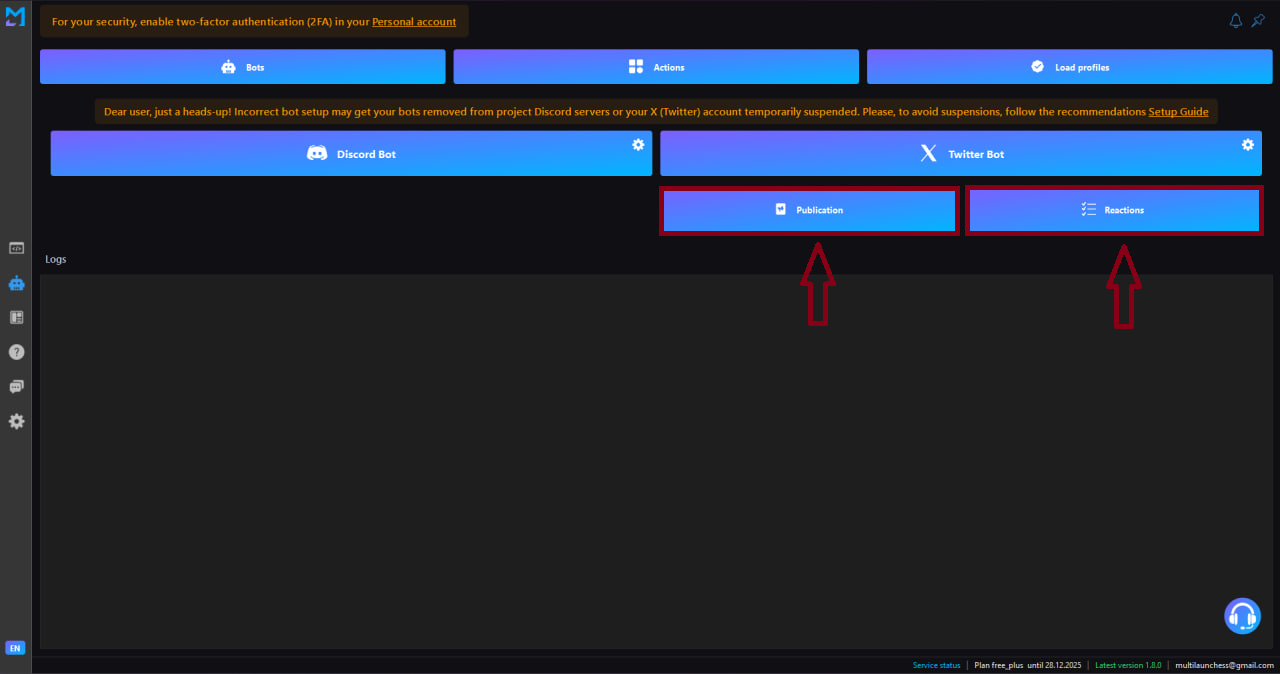
After selecting Twitter Bot, two modes are available:
- Posts — automatic publishing of tweets;
- Reactions — likes, reposts, and other interaction types.
This bot helps you:
- automate content posting;
- grow and maintain accounts;
- keep consistent activity without manual routine.