Authorization
The Authorization section is responsible for connecting Multilaunchess to your profiles in anti-detect browsers.
API token
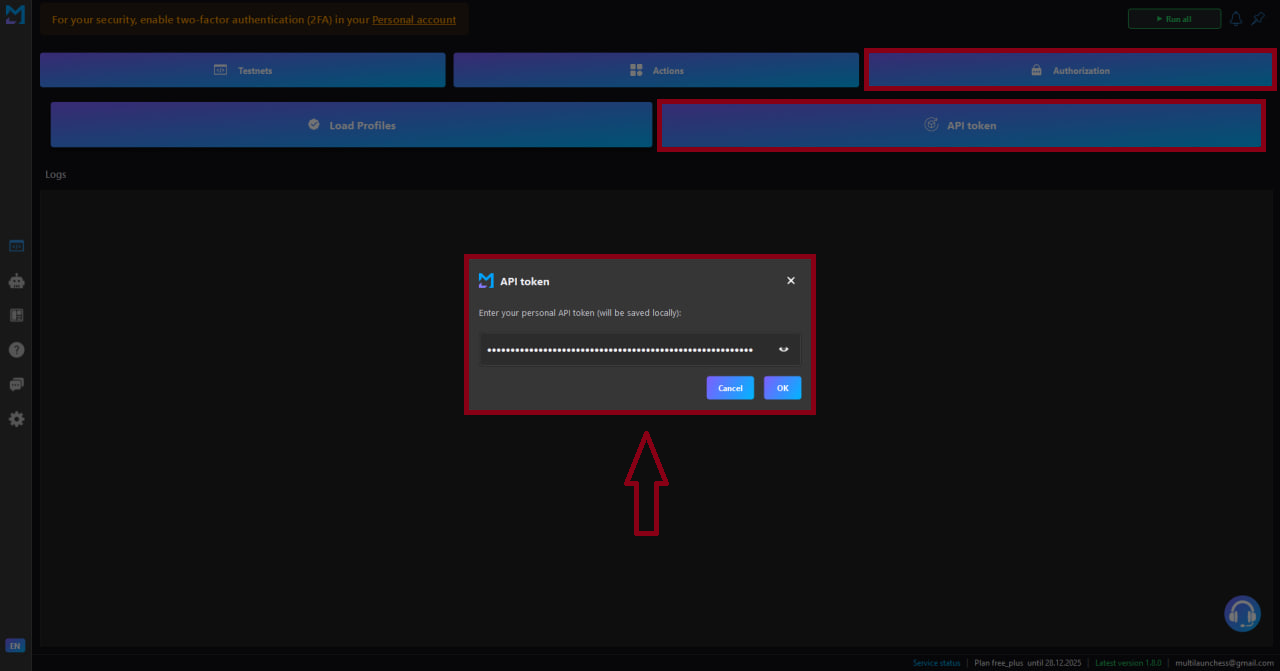
When selecting API token, a window appears where you need to paste the API key from Dolphin Anty or AdsPower.
- The key is taken from the personal account of the anti-detect browser (the program you use).
Notice
The key is stored only locally on your computer and is never sent anywhere.
After inserting the key, click OK — the launcher will connect to your application.
Load profiles
When selecting Load profiles:
- Copy the list of profile IDs from Dolphin Anty or AdsPower.
- Paste it into the loading window.
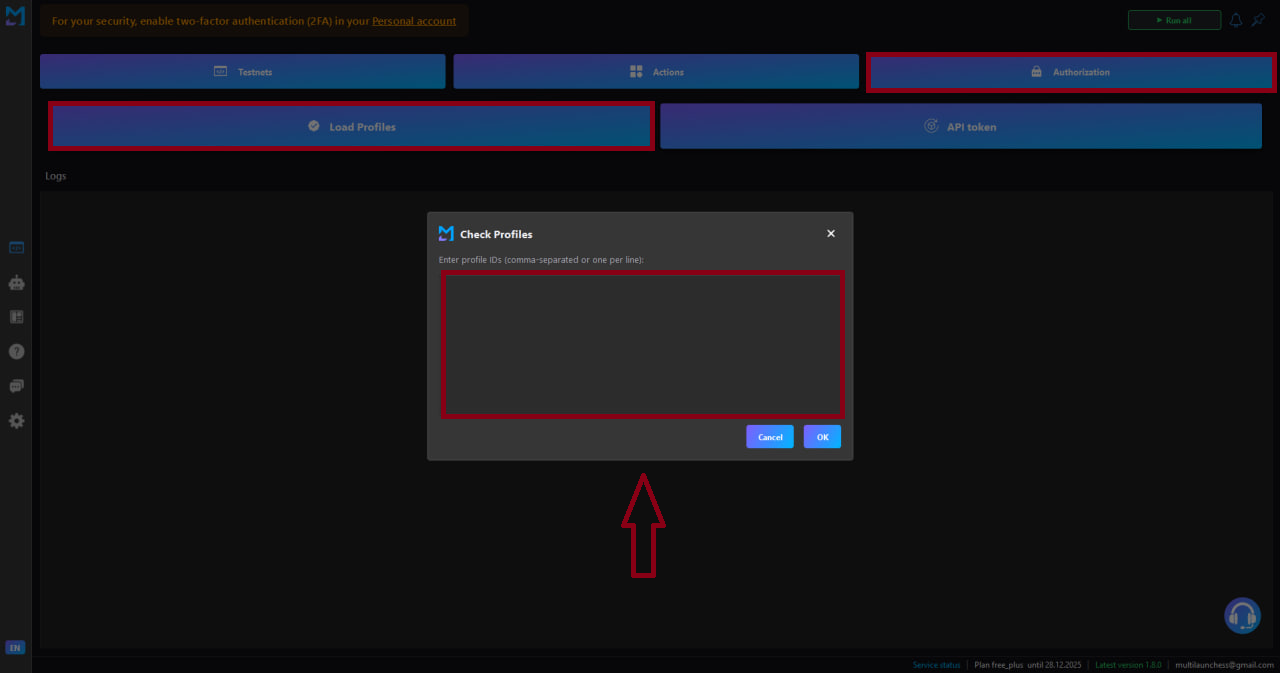
After inserting the IDs, click OK — the launcher will connect to your profiles.
The launcher will load the specified profiles, and they will become available for running testnets.
Purpose of this section
- Linking the launcher with your anti-detect browser
- Loading profiles
- Preparing the environment for running testnets