Actions
The Actions section includes key tools for controlling the testnet execution process.
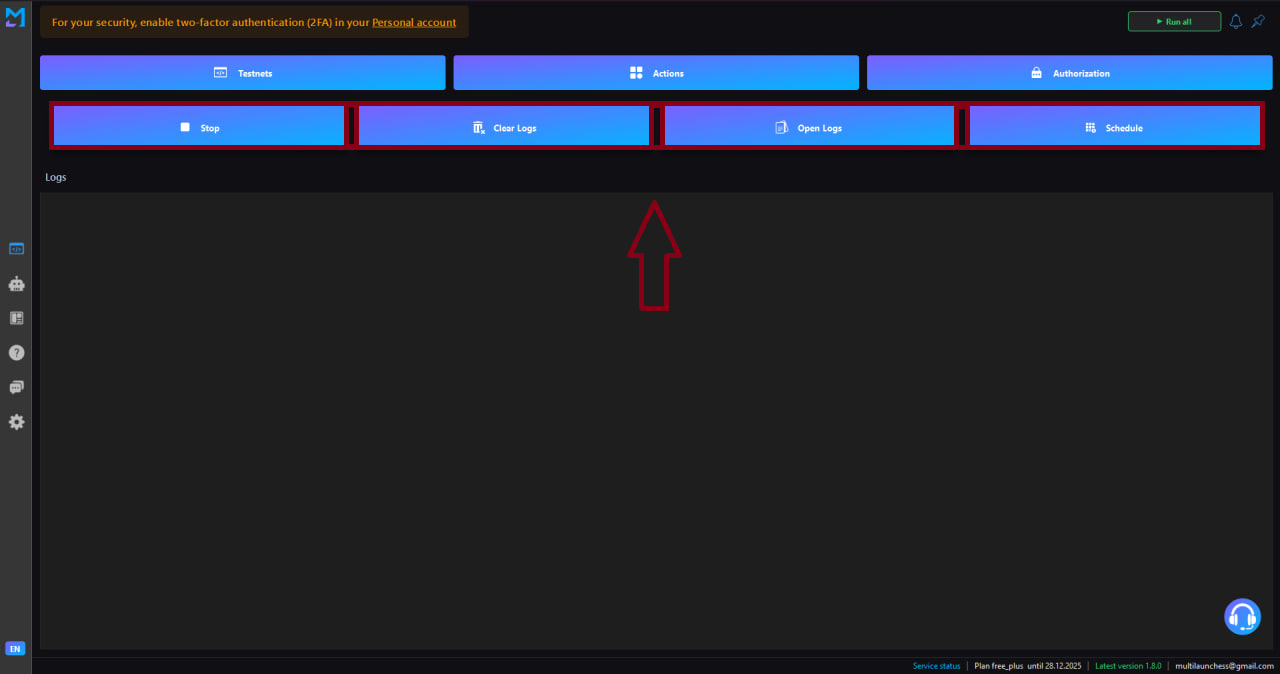
Main commands
Stop scripts
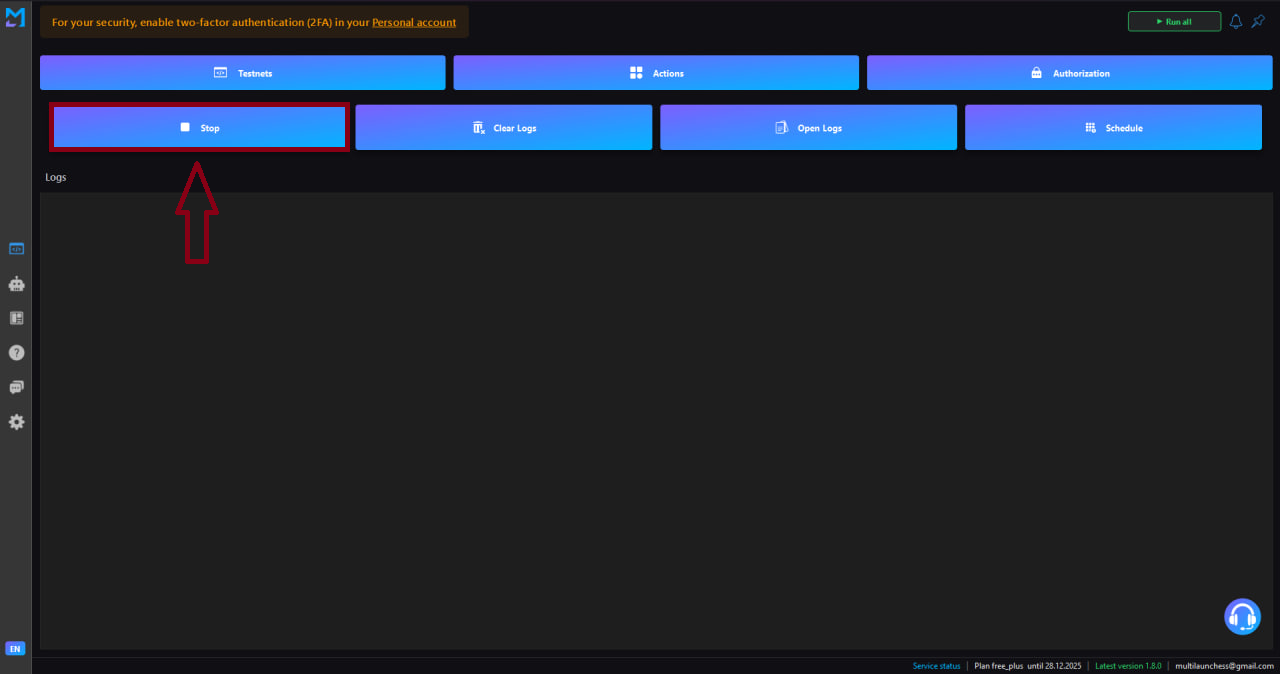
Stops all currently running testnets.
Clear logs
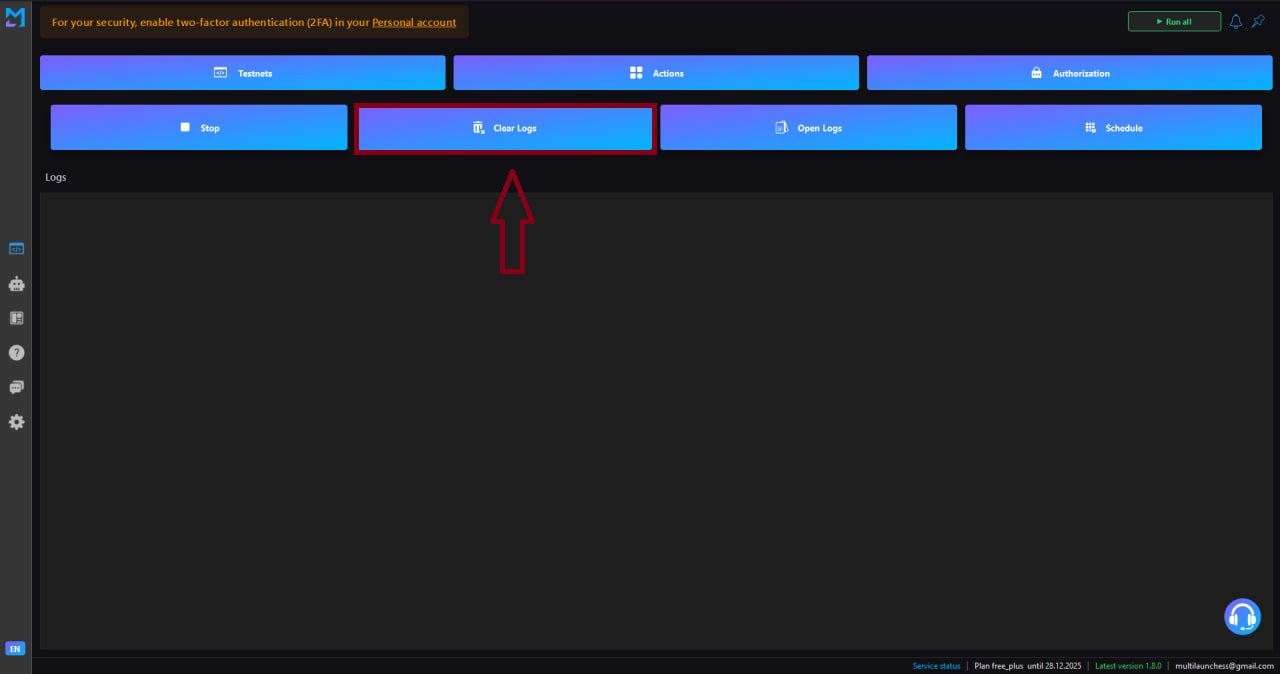
Clears the central log panel — useful before starting a new testnet run.
Open logs
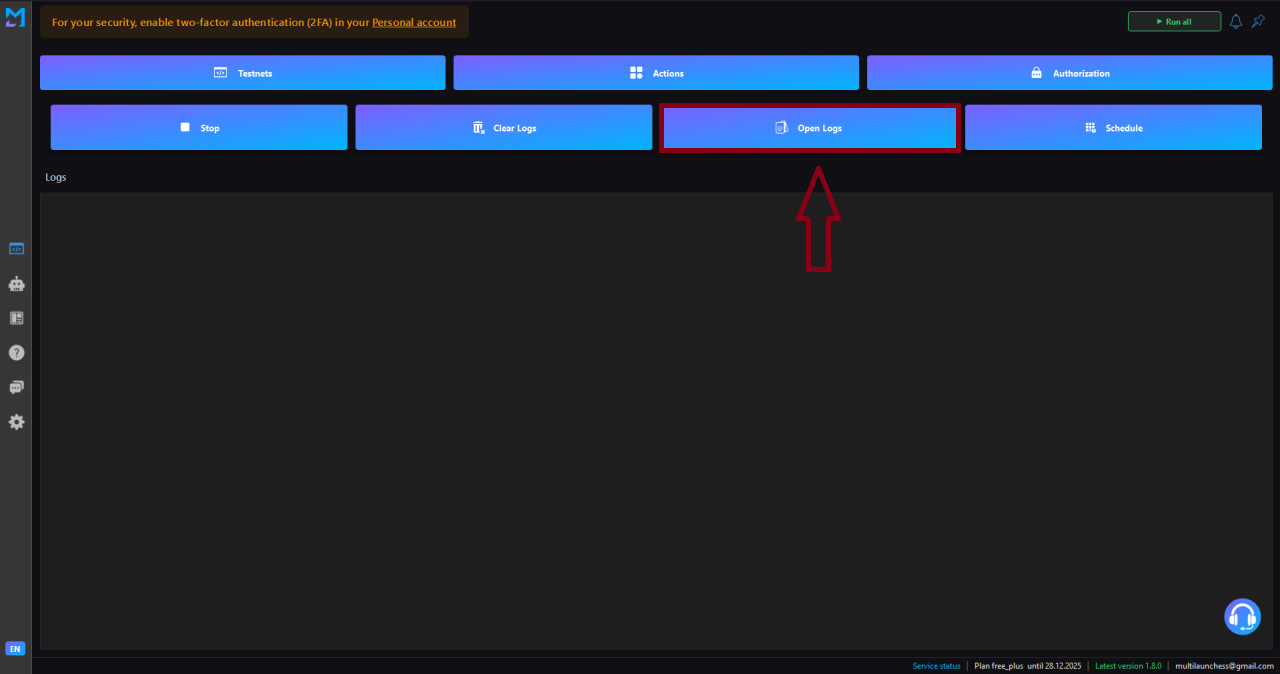
Opens a separate window with detailed information:
- Execution history for each testnet
- Even / odd profile separation
- Execution statuses
- Errors
- Detailed timestamps
Scheduler
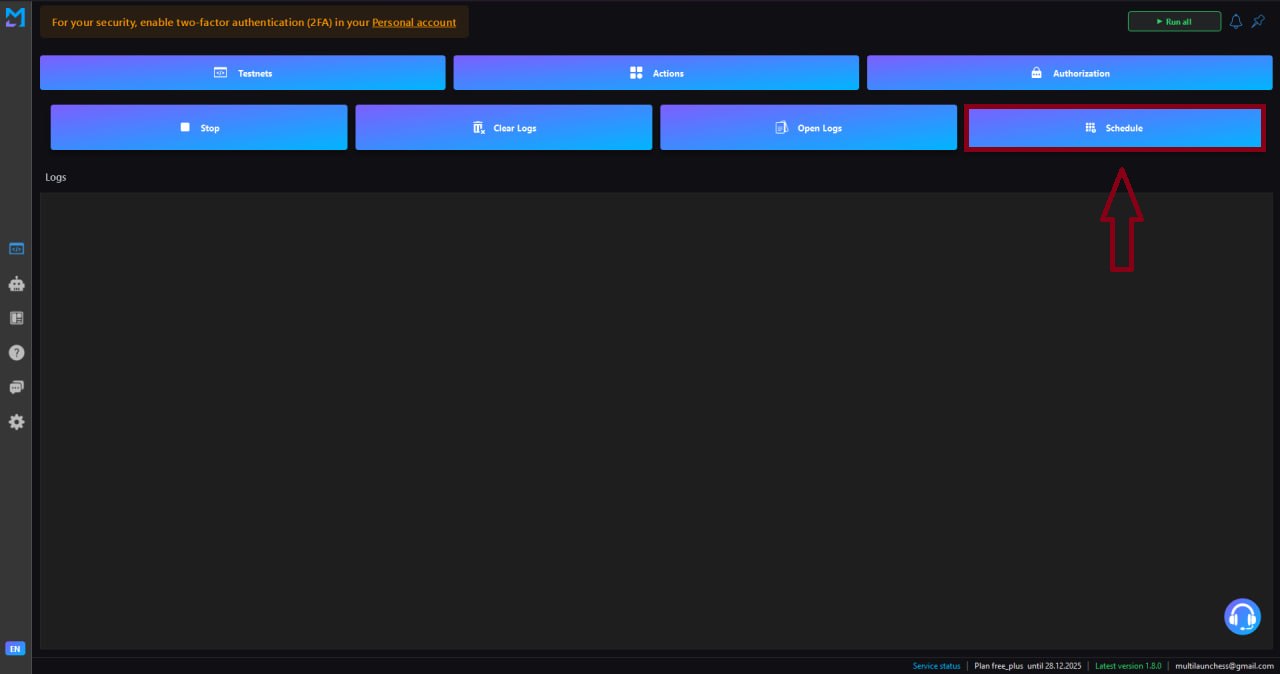
Allows you to configure automatic testnet launches at a specific time — useful for daily repeated tasks.
Purpose of this section
- Control of testnet execution
- Analysis of performed actions
- Automation of routine operations